How does the free trial work?
Download from the Mac App Store and use all features free for 7 days. No account or credit card required.
A transparent teleprompter for Mac that floats above any app, so you can stay on message without looking away from your audience.
7-day free trial · $9.99 one-time · No account required
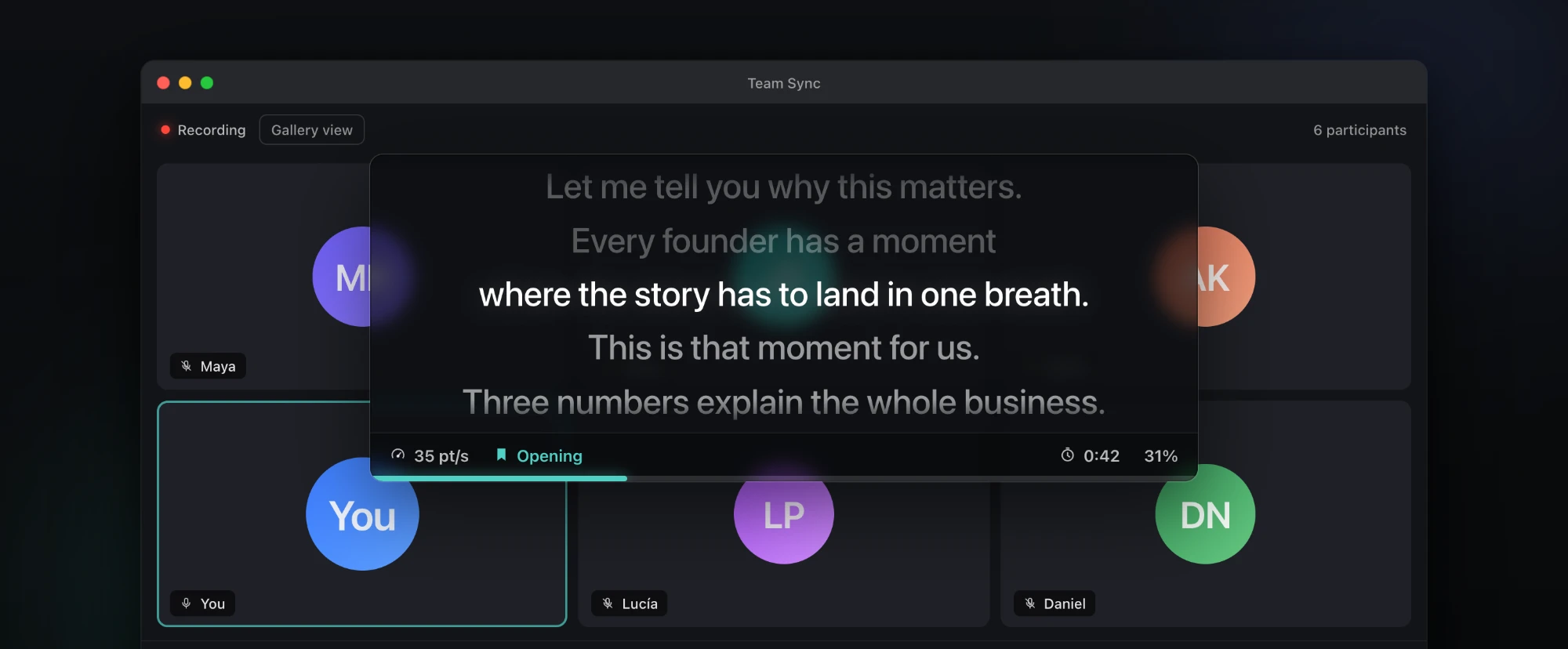
Floats above ZoomGoogle MeetMicrosoft TeamsKeynotePowerPoint
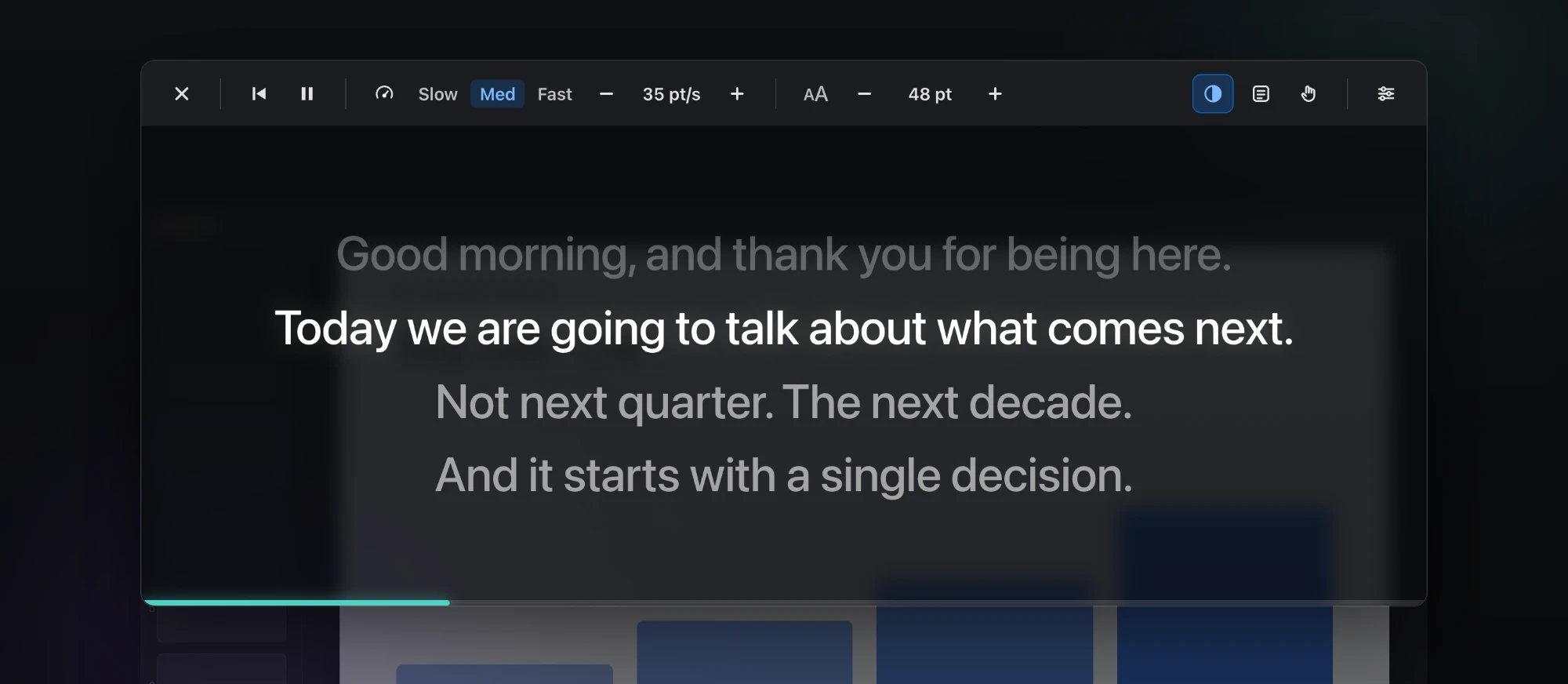
Slow it down. Speed it up. Make the type bigger. Adjust the transparency. Place SpeechCue exactly where your eyes naturally land, and click straight through it to your slides.
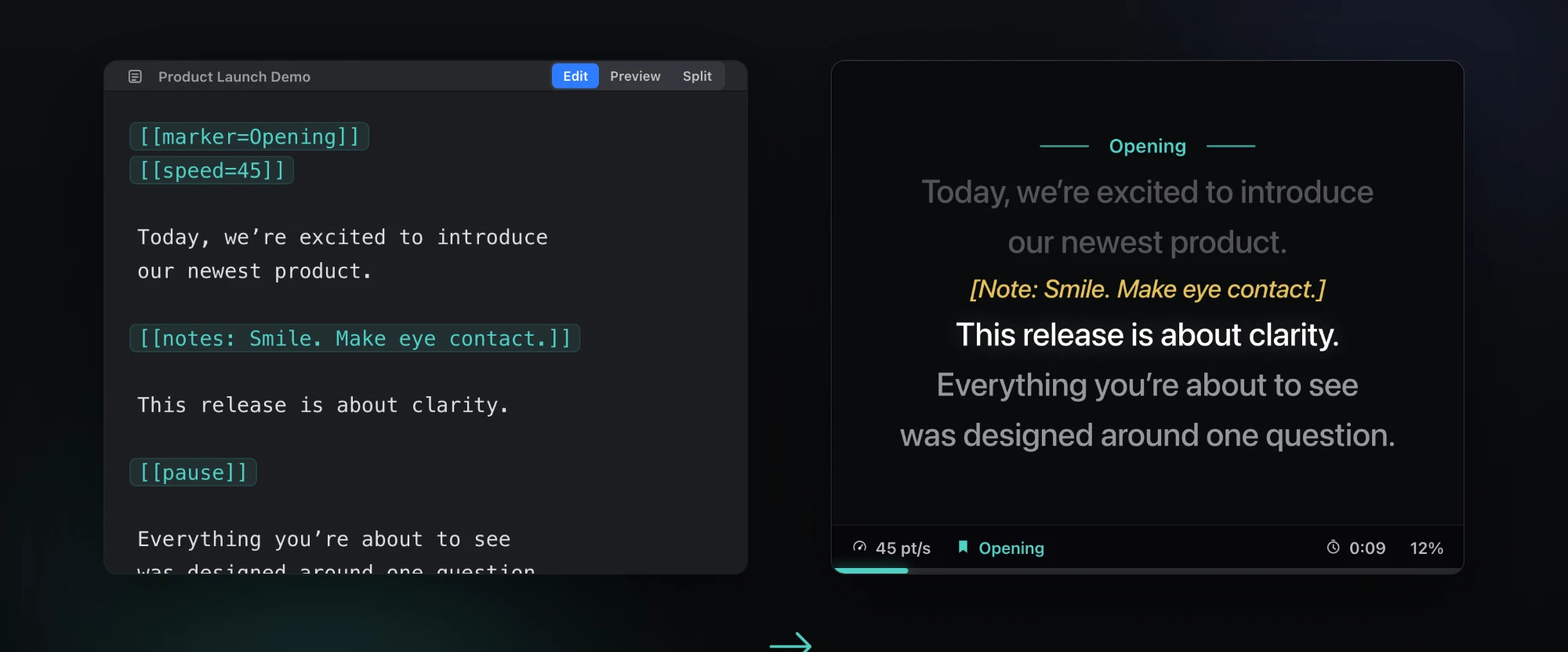
Add pauses, pacing, section markers and private reminders right in your script. SpeechCue acts on them while you present, so the mechanics never end up in your spoken words.
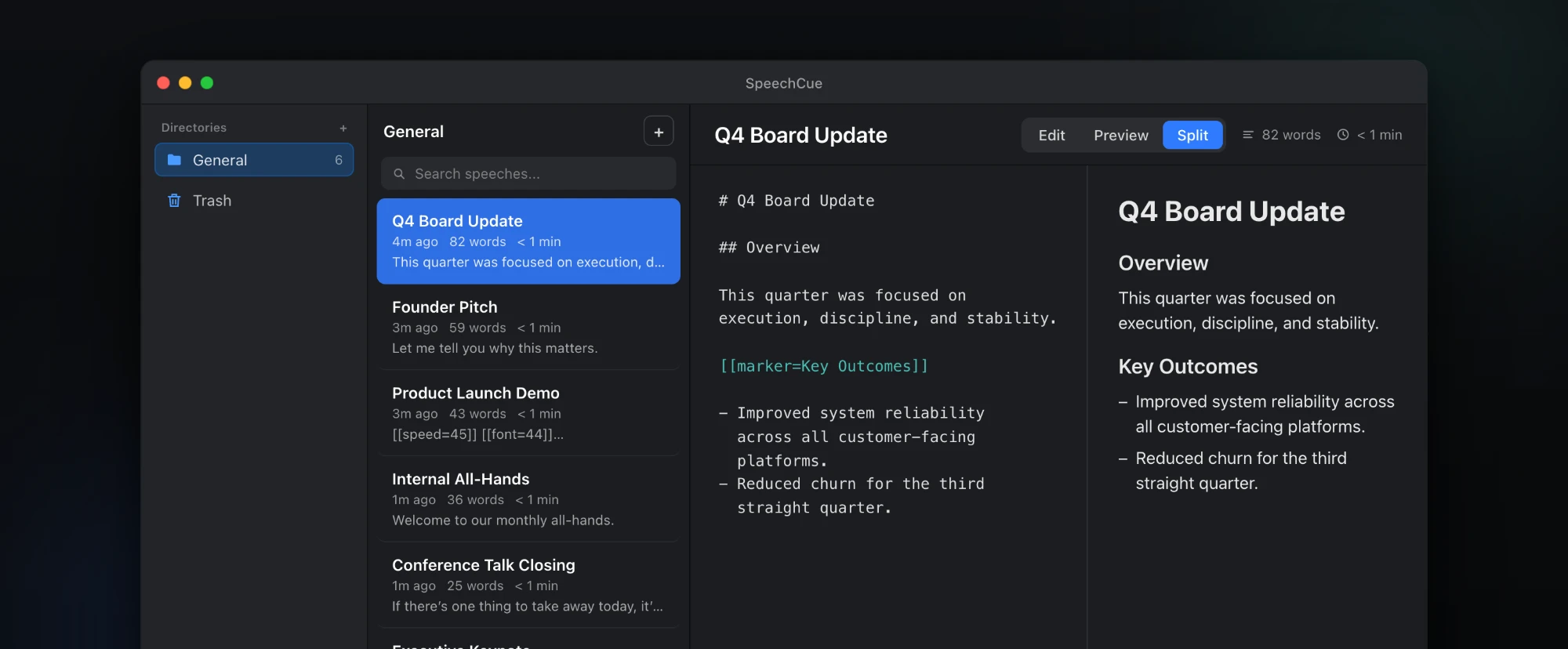
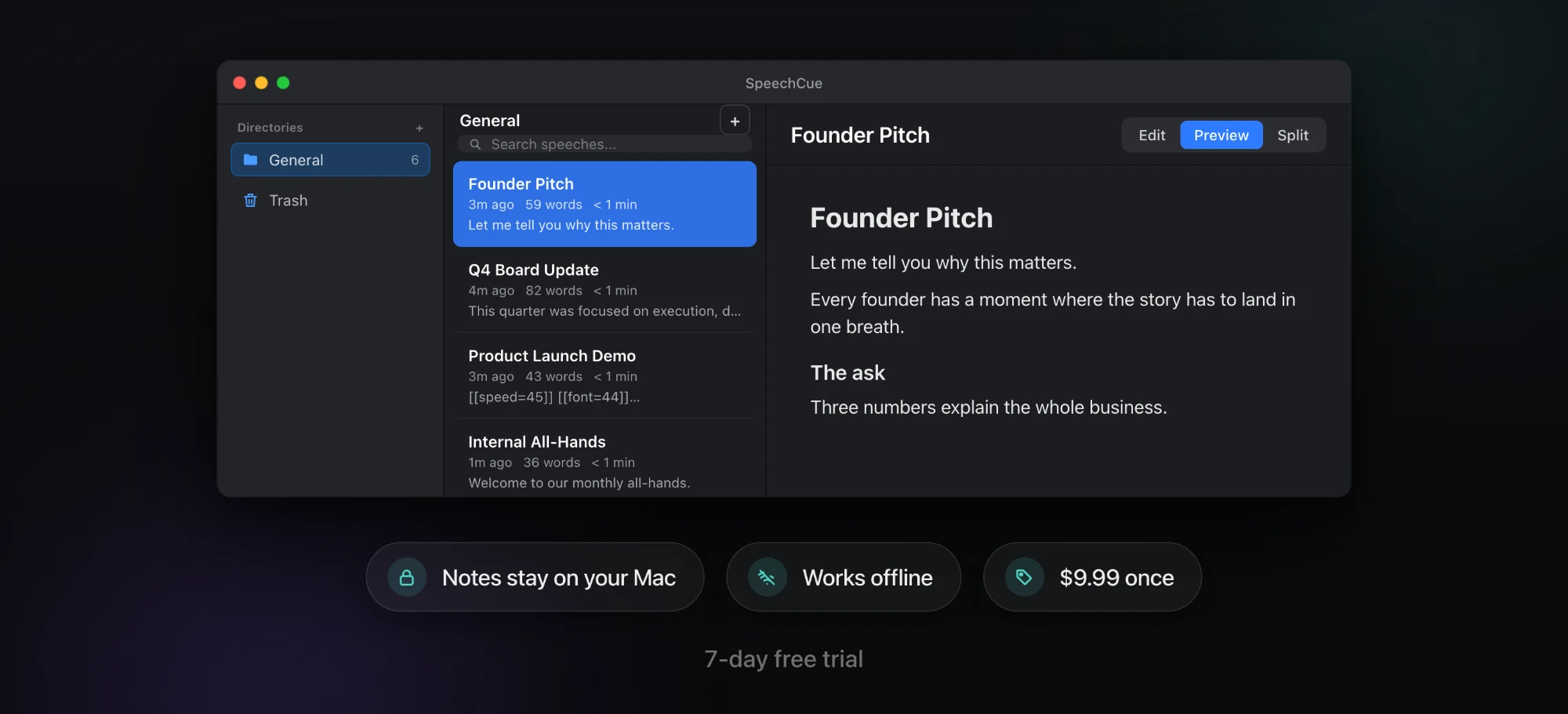
Board updates, pitches, demos, all-hands and conference talks, organized in one place. Write in Markdown, preview it, and reuse it whenever you need to present.
No account · No cloud · No subscription
App Store may display local pricing
Download from the Mac App Store and use all features free for 7 days. No account or credit card required.
No. Pay $9.99 once, use forever. No recurring fees.
Yes. The overlay floats above any app — Keynote, PowerPoint, Zoom, Google Meet, Teams, and more.
No. SpeechCue works completely offline. Your notes stay on your Mac.
Yes. Restore anytime through the app using your Apple ID.
No. SpeechCue for Mac is a native macOS app made by Apps by SAHARA and sold only on the Mac App Store. It is not affiliated with other teleprompter apps for iPhone, iPad, or Android that use a similar name.
Remembering every word shouldn’t be.
Try SpeechCue freeSpeechCue for Mac is a native macOS teleprompter made by Apps by SAHARA, sold once for $9.99 on the Mac App Store. Requires macOS 13.0 or later.